Key takeaways
- Markets and pop-ups are ideal for testing your products and brand.
- Take mobile payments with you and link sales to your stock.
- Collect email addresses to bring visitors back later.
- Check which sales and stock process Microcart supports for your market or pop-up and how to record deductions during an outage.
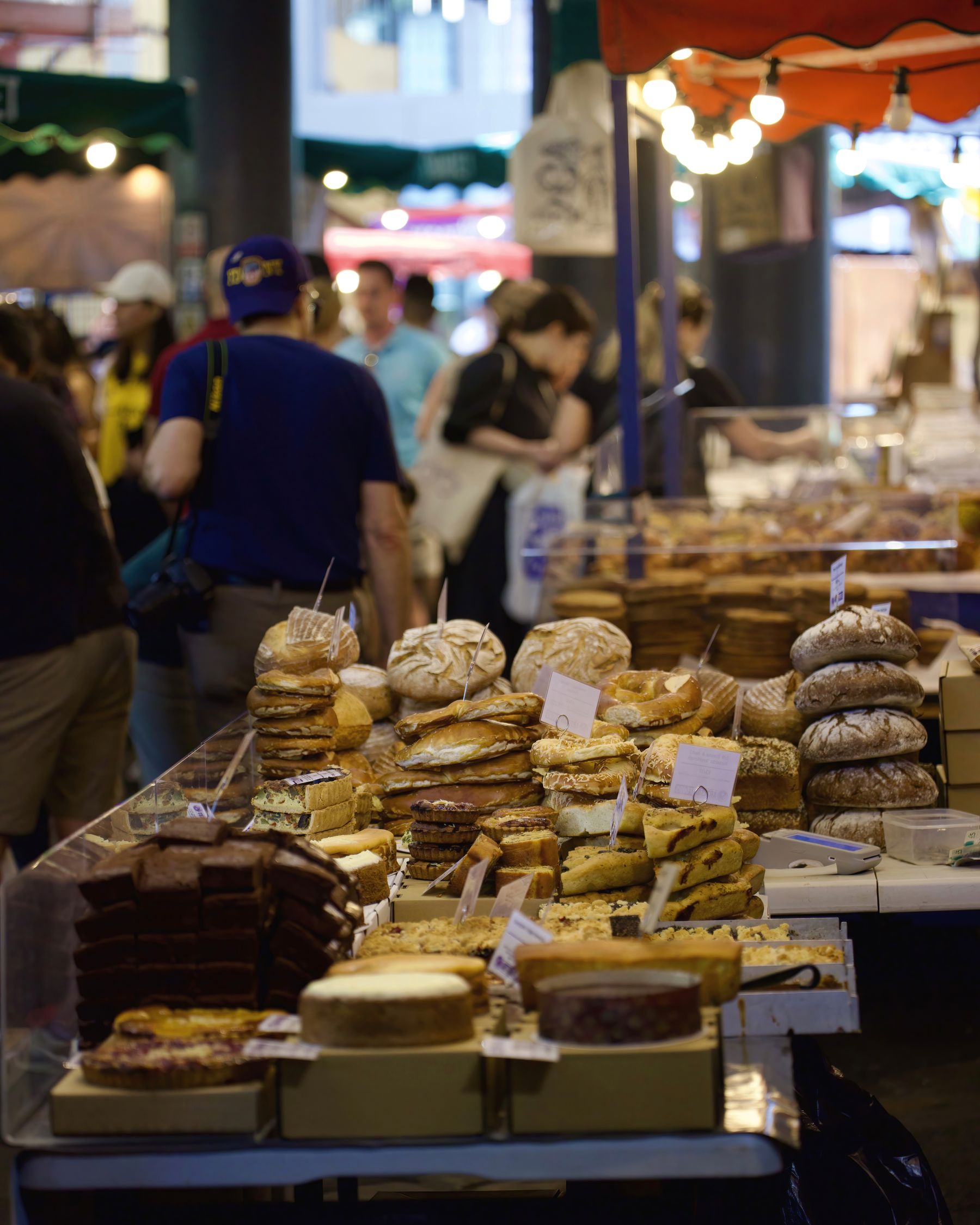
Use a market stall or pop-up to sell products and hear how customers respond to them. Bring a focused range, display clear prices and organise payments and stock before the event. Make your online store easy to find so visitors can return to your business once the event is over.
Why markets and pop-ups are so valuable
- Direct contact — you hear first-hand what appeals to people, what questions they have and which product is left behind. That's free market research.
- Budget the test — include stall hire, transport, labour, payment equipment, permits and unsold stock. Compare it with an advertising test using the same budget and objective.
- Sell directly — you receive payment immediately, without shipping costs or delivery.
- Brand awareness — people meet your brand in real life, feel the product, and remember you.
An example
Illustrative scenario, not a measured customer case: you offer candles at a local market. Record sales, questions about scents and visits through your QR link. Ask separately for marketing-email consent. Then assess whether follow-up orders help cover the market day’s costs; those orders are not guaranteed.
Make sure you can accept payments anywhere
Ask the organiser about connectivity and payment options. Test your payment setup, battery, connection and receipt, and define an allowed fallback for outages. Record how a paid sale reaches stock records. Cash or another terminal is a decision about audience, security and cost.
What are you taking with you? A short checklist
- sufficient stock of your expected bestsellers (and some of the rest);
- your card payment device (charged) and change;
- a striking stall: your logo, price tags, atmosphere;
- cards or flyers with your webshop and social;
- a sign with QR code to your webshop and your registration campaign;
- bags or packaging, and pen and paper.
Keep your inventory current
Deduct market sales from the same stock as your store through a tested process. Reconcile counts afterwards and allow for delayed connections and manual errors. Reserve a separate market buffer if necessary. See also: stock management; sell in your store.
Turn visitors into webshop customers
This is where most market sellers miss opportunities. Not everyone buys on the day — but you can reach them again later:
- put a sign or QR code at your stall that links to your webshop;
- collect email addresses with a small promotion ("10% off your first online order") so you can get them back — see building an email list;
- put a card with your webshop and social in each bag;
- Just tell people who are in doubt: “It is also in my webshop, so you can view it at home.”
This way, every market day continues to work for you even after that day.
Set up a pop-up
A pop-up is a temporary store — in a prominent location for a few days or weeks. It works well to celebrate a launch, a season (Christmas!) or a collaboration. A few tips:
- announce it in advance via your social and email list, so that people come;
- choose a place where your target group already comes (a busy street, an existing building that is temporarily vacant, an event);
- make it an event — an opening moment, something to taste, a discount promotion;
- combine with your webshop: what people see but do not take with them, they order online. So make sure your QR code and cards are everywhere.
Market prices
In principle, keep your market prices the same as your webshop, so that customers do not feel taken advantage of when they see it online later. If you want to do a market discount or a “today only” promotion, that's fine — but make it a conscious, clear choice.
Common mistakes
- Not being able to accept card payments and therefore missing out on sales.
- Failing to deduct market sales from your store’s stock.
- No way to contact visitors again later (no QR, no email, no card).
- Do not announce a pop-up in advance, so that few people come.
- Different prices than online without explanation.
Frequently asked questions
Do I need a card reader on the market?
Choose payment methods suited to the event and customers. Test the whole route before opening and agree an outage procedure. A working terminal does not guarantee sales, but avoids discovering missing settings with the first customer.
How do I keep my stock current?
Record market sales through the tested stock process and reconcile counts afterwards. During an outage, reserve stock or record sales manually using a fixed procedure; synchronisation is not error-free.
How do I turn market visitors into webshop customers?
Link the QR code to the displayed collection and test it on a phone. For newsletter sign-up, state content and frequency separately and obtain the required consent. Track visits and follow-up orders separately; a scanned card is not a new customer.
What exactly is a pop-up?
A temporary store in a prominent location, for a few days or weeks. Ideal for a launch or season. Announce it in advance via social media and email.
Is a market or pop-up suitable to start?
It may suit you if the audience, location and total daily costs fit your test. Decide which questions, sales and follow-up visits you want to measure; a cheap or profitable day is not assured.
Do I have to charge the same prices as online?
Usually yes, just to be clear. A deliberate market promotion is possible, but explain it clearly.
Get started
Arrange mobile checkout, ensure that your market stock and webshop stock are one whole, and take a QR code and cards with you to direct visitors to your webshop. Collect email addresses for later. This way you can sell on the day itself and expand your webshop. If you are still starting from scratch, view the step-by-step plan to start an online store.