

MICROCART MULTI-STORE
Multiple stores. One familiar workspace.
Give each brand or market its own store. Choose its assortment and design, and view orders in the context of the right store.



Together behind the scenes. A distinct identity for every shop.
One catalog. You choose where each product belongs.
Use central product data and decide which products each store offers. Set a store-specific product price where needed. Configure stock locations and availability separately; a shared product does not create separate stock for each store.
Try it free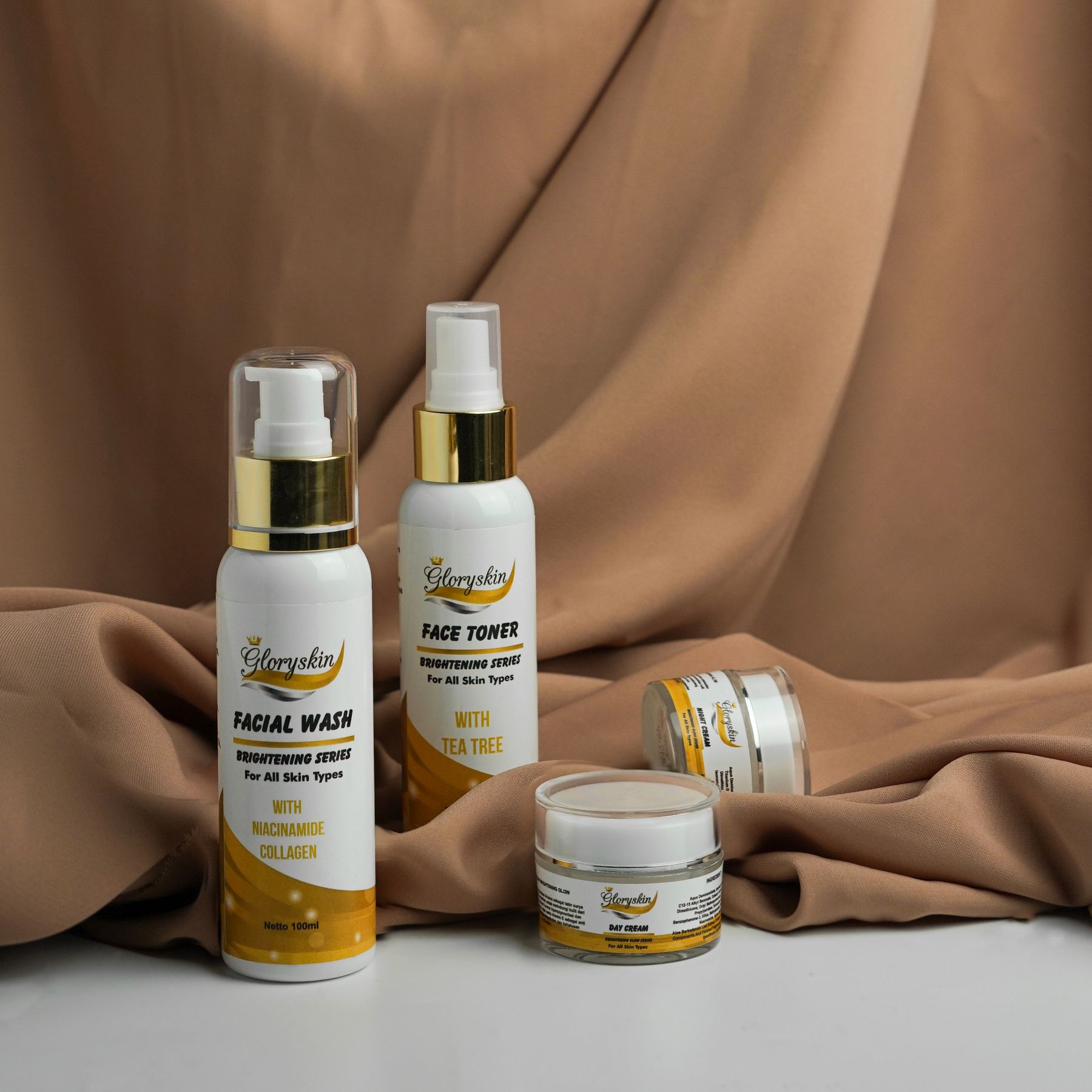 Botanical hand care
Botanical face care
Botanical body lotion
Botanical hand care
Botanical face care
Botanical body lotion
Switch shops. Keep your bearings.
Switch to the store you are working on and check its domain, assortment and orders. Configure branding, language and currency for each store.

Give your team access to the right shop.
Assign staff the stores they may work in and check roles and permissions. Without a store restriction, access can apply across the admin environment. Test access from the staff member’s account.

Different brands
For example, offer the same mug in two brand stores with a different collection and presentation in each. Check the product’s price and stock setup before opening both stores.
A new market
Want to offer the same brand in another country? First check whether a market with its own language, currency and range is enough. A separate store makes more sense when you also need a distinct brand presentation and staff access.
A dedicated sales channel
Give a seasonal collection its own shop, for example. Decide which products are available and which team works on this shop.
Room for every brand. A familiar place for your work.
Build your next shop with a clear starting point.
Define your shop’s purpose
Write down each store’s brand, audience and range. Then decide what you want to share and what must stay separate. A separate store is not a substitute for fully isolated customer records.
Choose the range and stock
Start with one product offered in both stores. Check its visibility and price in each store. Record which stock locations you use; offering the same product in two stores does not create two separate stocks.
Give the shop its identity
Set the domain, branding, language and currency. Then open both stores on desktop and mobile. This step is complete when a visitor sees the right brand, collection and currency and can reach the intended product.
Assign access and review
Assign the right stores and roles, then check access using a staff account. Next, place a test order in each store. In the admin, confirm that each order belongs to the intended store and contains the right products and amounts.
A distinct shop, right through to the order.
Orders belong to the store where they were placed. Customer profiles can be shared within the same admin environment, for example when someone uses the same email in two stores. Multi-store does not guarantee completely separate customer databases.
Discuss your shops
Try it for 14 days. Everything in one package.
MicroCart costs €39.95 per store per month, excluding VAT. All MicroCart apps and B2B are included. MicroCart charges no transaction fee. Payment providers and external services charge their own fees.
View pricing per shopKeep building your shops.
Questions about multiple shops
What do I manage centrally with multi-store?
Manage multiple shops from one workspace and use a central product catalog. Choose the range, branding, language, currency and staff access for each shop.
Do all shops have to sell the same products?
No. Share products from the central catalog and decide what each shop offers. A shop can have its own range.
Can I share stock between my shops?
Stock is managed for products or variants and can be distributed across stock locations. Store assortment is a separate setting. Check your inventory setup before sharing products; do not assume each store automatically gets a separate stock pool.
Can shops have their own language, currency and domain?
Yes. Each shop can use its own domain, branding, language and currency. Create a presentation for a separate brand or another market.
Do customers, orders and team access stay separate for each shop?
Orders are linked to a store; customer profiles can be shared within your admin environment. Restrict staff access through store assignments and roles. Check these settings when managing different teams or brands.
What does selling live with multiple shops cost?
MicroCart costs €39.95 per store per month, excluding VAT. All MicroCart apps and B2B are included. MicroCart charges no transaction fee. Payment providers and external services charge their own fees.